Charles Thomas's Website
Skin shading
21/04/2016
In the past I managed to use Jorge Jimenez separable sub surface scattering[1] on Unity 4.
At the time I couldn't use the deferred (pre-pass) of Unity 4 so I was stuck in forward.
I had to use a second camera in order to get the diffuse and specular lighting pass. It was of course a bit slow and even slower if too much character was in the scene but it was working.
I got back to this recently for a contract work but this time for Unity 5.
Top condition was to use deferred but in Unity 5 you can't have access to a diffuse and specular lighting pass so I had to find a way to get them, a second camera was not an option.
While working for a personnal project, trying to change how data are packed into the g-buffer in Unity 5 using interleaved YCbCr[2][3] this leads me to how it's done in Unreal Engine 4[4].
Basically you pack the diffuse and specular lighting with a squared interleaved pattern. Then you can seperate them using that same pattern, but you'll have to find a way to retreive the missing data (empty square).
The process works as follow :
1 - Diffuse and specular g-buffer remain the same, I'll need them later at the final lighting reconstruction pass.
2 - Deferred lighting pass is modified in order to pack the diffuse and specular lighting using the squared interleaved pattern.
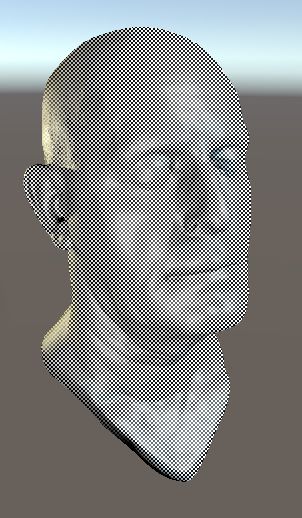
3 - In a post process shader diffuse and specular lighting pass are separated and stored at half the screen resolution in two render texture.
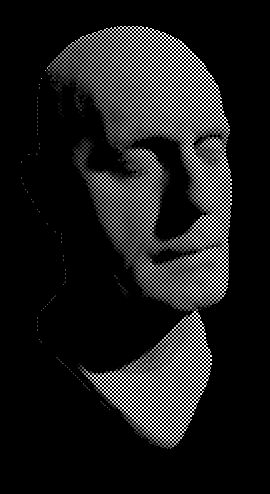
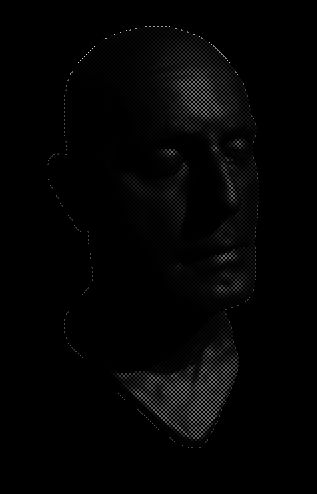
4 - A 2x2 bicubic filter is applied on both diffuse and specular lighting pass.
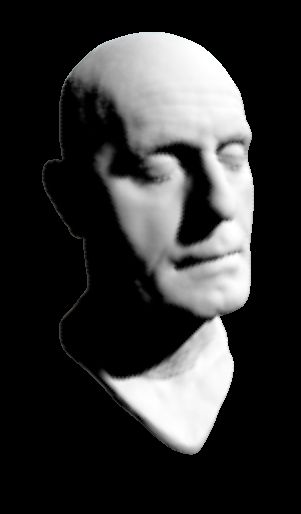
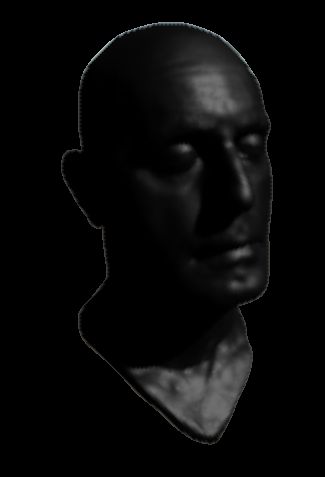
5 - SSSSS pass on the diffuse lighting (Notice the edge bleeding).
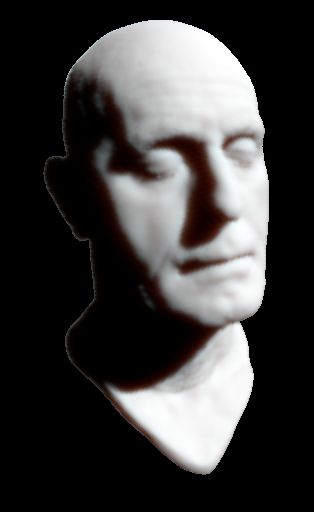
6 - Final lighting reconstruction with the diffuse color multiply with SSSSS diffuse lighting and specular added on top (DiffuseColor * SSSSSDiffuseLighting + SpecularLighting).
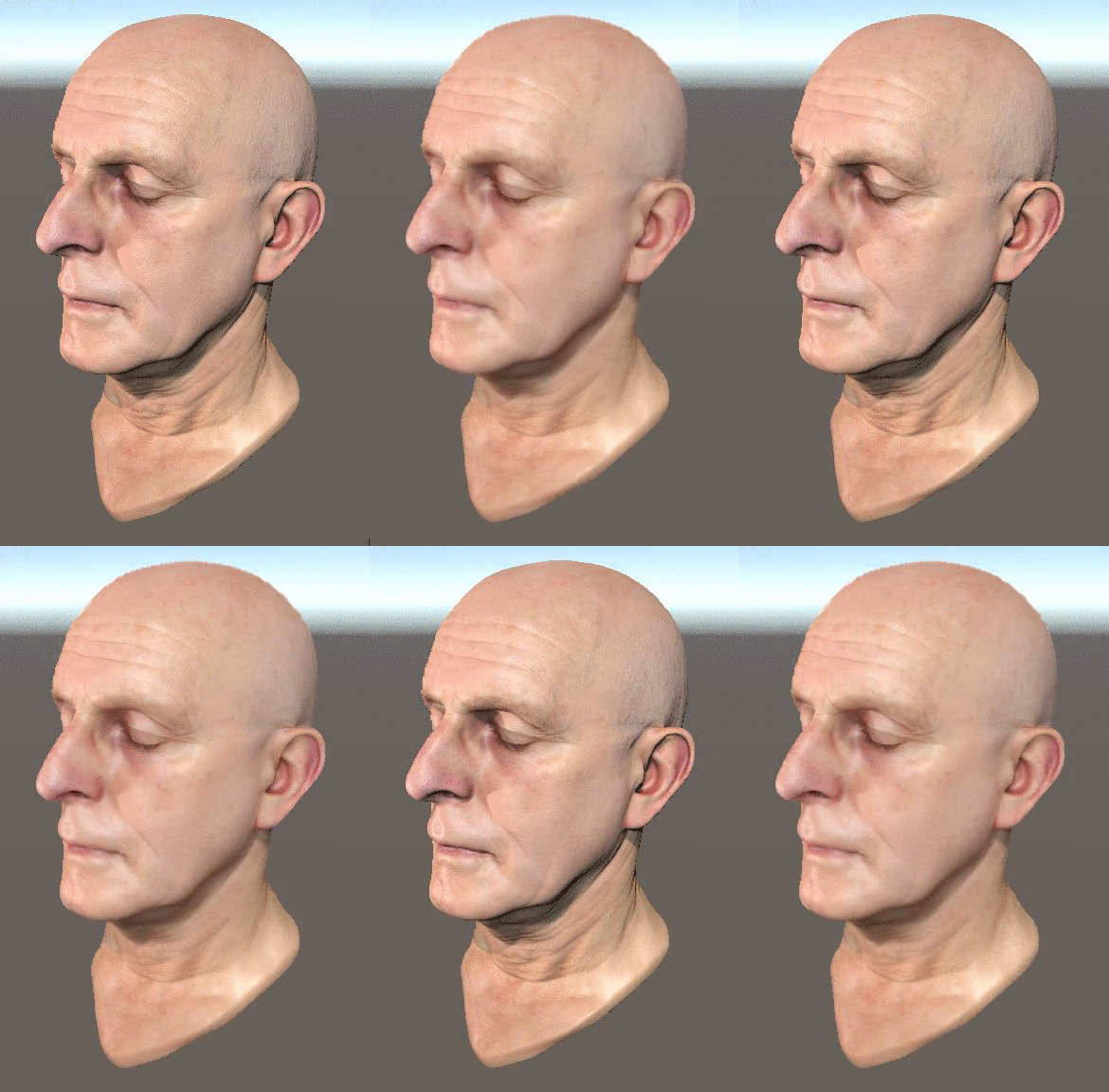
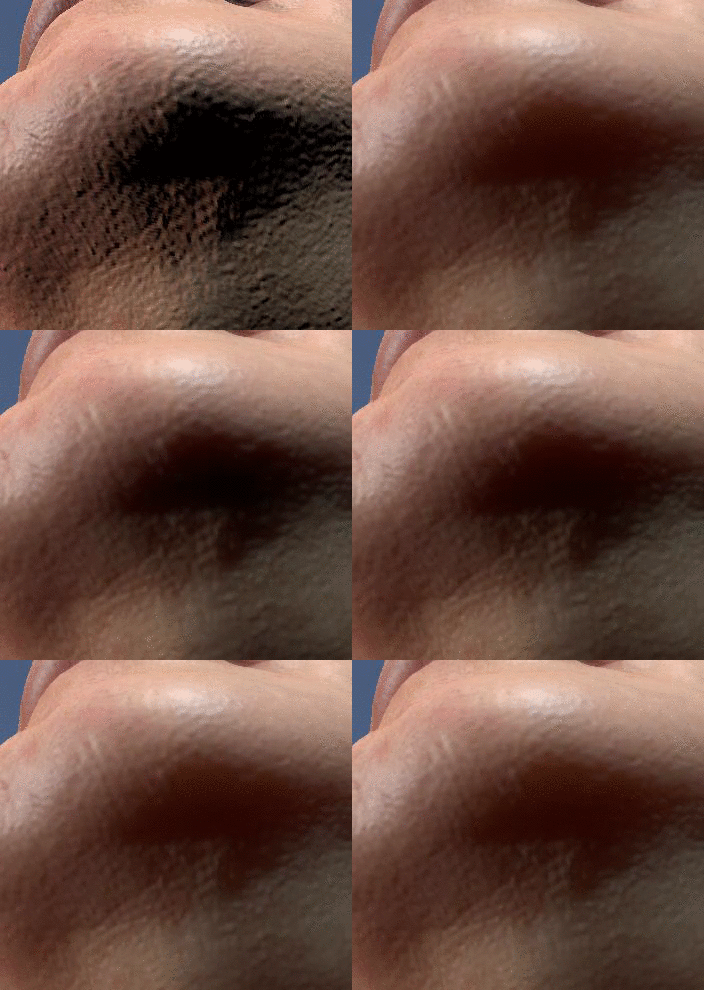
Results are pretty good but shows edge bleeding and at far distance the pixels are very jaggy (due to the half resolution) but overall it's a huge win compared to what I've done in the past.
I'm also using interleaved gradient noise[5]. The resulting image is much smoother and if you have a Temporal AA you can animate it for an ever better look.
Thanks for reading and if you have questions I'll be happy to answer them.
Head scan is from: http://ten24.info.
References
- [return][1] https://github.com/iryoku/separable-sss
- [2] The Compact YCoCg Frame Buffer
- [3] The Rendering Technologies of Crysis 3
- [4] Digital Humans
- [5] Next Generation Post Processing In Call Of Duty Advanced Warfare